
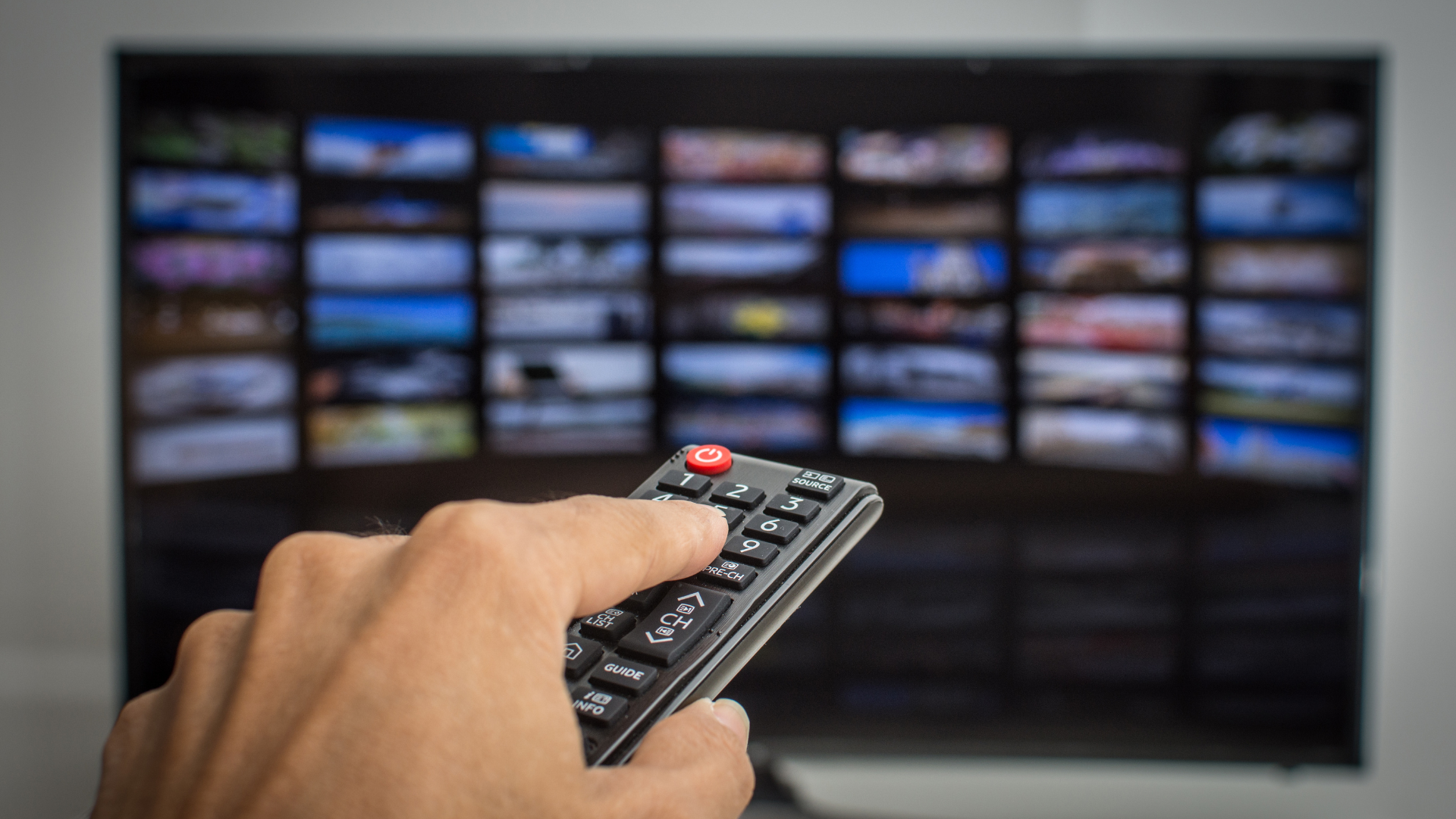
What is a Smart TV?
The term “smart” often appears in product names, from smartphones to smart homes. But what exactly does it mean when it comes to your TV? I'll explain what a smart TV can do and how it differs from a regular or "dumb" TV. Additionally, I'll explain how you can use external devices to smarten up any TV.
What is a “Dumb” TV?
A “dumb” TV is a basic television that allows you to watch broadcast channels, cable programming, and content from external devices like DVD players. It displays content from connected devices, like an antenna or cable connection.
All TVs are built to display and play content through their “input” connections. While older TVs used antennas to pick up broadcast television, TVs evolved to add additional inputs from different inputs using cables, and these cables have changed over time.
Almost all televisions now use an industry standard for cables called HDMI, which stands for High-Definition Media Interface. If you use a cable set-top box from your cable TV service or a DVD player, it most likely connects to your TV using an HDMI cable.
Introducing the Smart TV
A Smart TV can connect to the Internet, includes built-in applications, and has a built-in computer. It combines traditional television functions with computer benefits, allowing you to access a wide range of digital content from the Internet without the need for an antenna, cable service, or DVD player. A Smart TV uses its computer to connect to the Internet and has its own applications.
Unlike a computer or smartphone, which are more general-purpose computers, a Smart TV usually has built-in applications for streaming services and might also have a built-in web browser. Let's go over some of the capabilities of a Smart TV.
1. Internet Connectivity: Unlike traditional TVs, smart TVs can connect to the internet via Wi-Fi or a wired Ethernet connection. This allows them to access streaming services, browse the web, and even use social media.
2. Built-in Applications: Smart TVs come equipped with various pre-installed apps. Streaming services like Netflix, Hulu, Amazon Prime Video, and YouTube are commonly included. You can stream your favorite shows and movies directly without additional devices.
3. Ability to Install More Apps: Like smartphones, most smart TVs have an app store where you can download additional applications according to your preferences. Some utilize a specialized version of the Android operating system from Google made just for TVs, while others use their own software.
Examples of Using a Smart TV
For instance, if you want to watch Netflix on your smart TV, here's what you would need to do:
- Ensure your smart TV is connected to the internet.
- Navigate to the app section on your TV's home screen and find Netflix.
- Open the Netflix app. If it's your first time, the app will prompt you to enter your account details. You can sign up directly through the app if you don't have an account.
- Once logged in, you can browse and watch Netflix shows and movies directly on your TV.
Your Smart TV functions as a specialized computer, giving you the ability to use applications and the internet.
What if Your TV Isn't Smart?
If your current TV lacks intelligent capabilities, you can still enjoy features similar to those of a smart TV by using an external smart device. These devices, called set-top boxes, streaming devices, or streaming sticks, attach to an input in your TV, usually an HDMI connector port.
If your TV has a 4K display, I recommend getting a streaming device that supports 4K so you can get better-quality video from your streaming services.
Here are a few popular choices:
Apple TV: This is a small device that connects to your TV through an HDMI port. Once connected and set up, you can access the Apple ecosystem, including iTunes, Apple TV+, and a range of apps available on the Apple TV app store, including all the popular streaming apps.
The term “Apple TV” can be confusing because it's used in several Apple products. Apple TV+ is a service that Apple offers with its streaming content. Apple TV is an app you can use on your iPhone, iPad, or Mac to access streaming content, and Apple TV is a box you can use to connect to your TV.
Nvidia, Roku, Google, and Amazon have similar streaming devices that give you access to almost all the popular streaming services, including those of their competitors.
People generally use a specific set-top or streaming stick from the service they use most or the operating system they prefer. Apple users tend to use an Apple TV box, android users prefer a Chromecast with Google TV, and Amazon account holders prefer an Amazon Fire device.
Using a Streaming Device with a Smart TV
With a Smart TV, you can still use a streaming device and choose whether to use your Smart TV's apps to access streaming services or the streaming device. For example, you can connect an Apple TV box to your TV using an HDMI cable and select the Apple TV box as the input on your TV. Your Apple TV box essentially replaces the computer in your TV. If you use a Roku, Google Chromecast with Google TV, Amazon Fire stick, or Nvidia device, you're connecting a streaming device to your TV input and can choose which one to use.
These streaming devices that attach to your TV are small computers. They connect to the internet through Wi-Fi and use their operating system to access streaming services, browse the internet (on some models), and use apps.
Wrap-Up
Smart TVs offer a convenient way to consolidate all your entertainment in one place, directly accessible through your television. They eliminate the clutter of cables and the hassle of juggling multiple devices. Adding a smart device like the ones mentioned can provide an easy and affordable upgrade to an intelligent entertainment system for those with regular TVs. This means less fuss and more relaxation as you enjoy your favorite content effortlessly.
FREE MEMBERSHIP NOW AVAILABLE
Join my new Tech Explorer Community for weekly Tech Topics, AI Topics, Q&A, and more.