
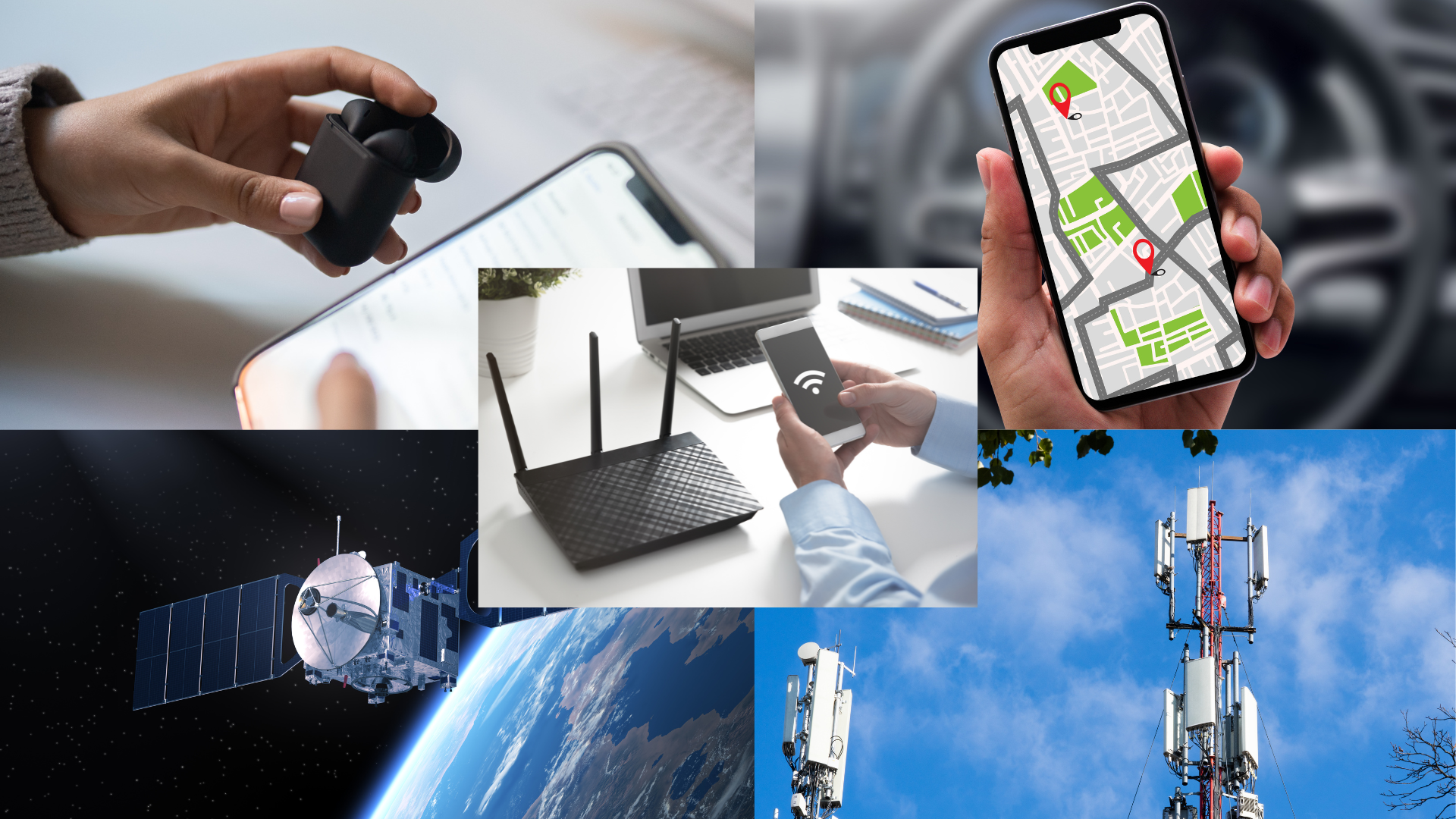
Smartphone Antennas
Smartphones are packed with different types of antennas that help us stay connected in various ways. Each antenna plays a specific role, whether you're making a phone call, sending a text, browsing the internet, connecting to a wireless device, or using GPS to find directions. Here's a simple breakdown of the main types of smartphone antennas and how they are used in everyday life.
Cellular Antenna
Purpose: For phone calls, text messages, and data (internet).
The cellular antenna allows your phone to connect to your mobile network provider. This antenna communicates with nearby cell towers to let you make phone calls, send texts, and use mobile data (the internet) when you're not connected to Wi-Fi.
For example, When you're driving and need to make a call, the cellular antenna ensures your phone is connected to the network, even if you're moving. It also lets you access the internet on the go when there's no Wi-Fi available.
Your cellular provider's plan includes voice, text, and data, all sent and received over cell towers.
I wrote an article on 5G cellular; if you're interested, read it here.
Wi-Fi Antenna
Purpose: For internet access through Wi-Fi networks.
The Wi-Fi antenna allows your phone to connect to a Wi-Fi network, such as in your home, office, or a public place like a coffee shop. Wi-Fi is often faster and more reliable than cellular data, especially for streaming videos or downloading apps. Your phone connects to a Wi-Fi signal created by a Wi-Fi router, sometimes called a hotspot.
While watching Netflix, your phone connects to your home Wi-Fi to stream the video, saving your cellular data for when you're out of Wi-Fi range.
Smartphones connected to a cellular and a Wi-Fi network, for example, in your home or a hotel, will use the Wi-Fi network for data (internet) to save you cellular data plan fees.
For more information on Wi-Fi, please read my article here.
Bluetooth Antenna
Purpose: For connecting to devices like headphones, speakers, and smartwatches.
The Bluetooth antenna allows your phone to wirelessly connect to other devices within a short range, like a pair of earbuds or a fitness tracker. Bluetooth uses low energy, which is why it's ideal for personal devices that don't need long-distance connections.
When listening to a podcast or music on your phone, your smartphone uses Bluetooth to connect your wireless earbuds. Bluetooth transmits the sound to your earbuds while the video is sent to your phone over Wi-Fi.
While connecting audio accessories is one of the most common uses of the Bluetooth antenna, connecting many different types of devices, such as car audio, smart watches, scales, and even meat thermometers, is possible.
For more information on Bluetooth, see my article here.
GPS Antenna
Purpose: For location tracking and navigation.
The GPS antenna communicates with satellites in space to determine your phone's exact location. It works with mapping apps like Google Maps to help you navigate from one place to another, whether walking, driving, or using public transportation.
If you're driving to a new restaurant, your GPS antenna will guide you, giving real-time directions on your phone. This antenna always works in the background, helping your apps understand where you are.
Read my GPS article for more information about this type of network.
Satellite Antenna (on some phones)
Purpose: For emergency communications or advanced features.
Some newer phones, including certain iPhones, have satellite antennas that can connect directly to satellites in space when there's no cellular signal. This is mainly used in emergencies in a remote area without cellular coverage. Check the website specifications to see if your phone model has a satellite antenna.
If you're hiking in a remote mountain area without cellular coverage, your phone will connect with a satellite to send and receive text messages. If you need help, a phone with a satellite antenna can send an emergency message to rescue services.
How Antennas Work Together
These antennas often work together to give you the best experience. For example, if you're streaming a video over Wi-Fi, your Wi-Fi antenna does the heavy lifting by downloading the video. Meanwhile, the Bluetooth antenna handles the audio if you use Bluetooth earbuds to listen to the sound. At the same time, if you're using Google Maps for directions, the GPS antenna provides location data.
Wrap-Up
Smartphones are built to seamlessly manage all these antennas simultaneously, so you overlook the complexity. The goal is to keep you connected in all the ways you need—talking, streaming, browsing, or listening.
By understanding these basic antennas and how they work, you can better understand how your phone connects you to the world.
FREE MEMBERSHIP NOW AVAILABLE
Join my new Tech Explorer Community for weekly Tech Topics, AI Topics, Q&A, and more.