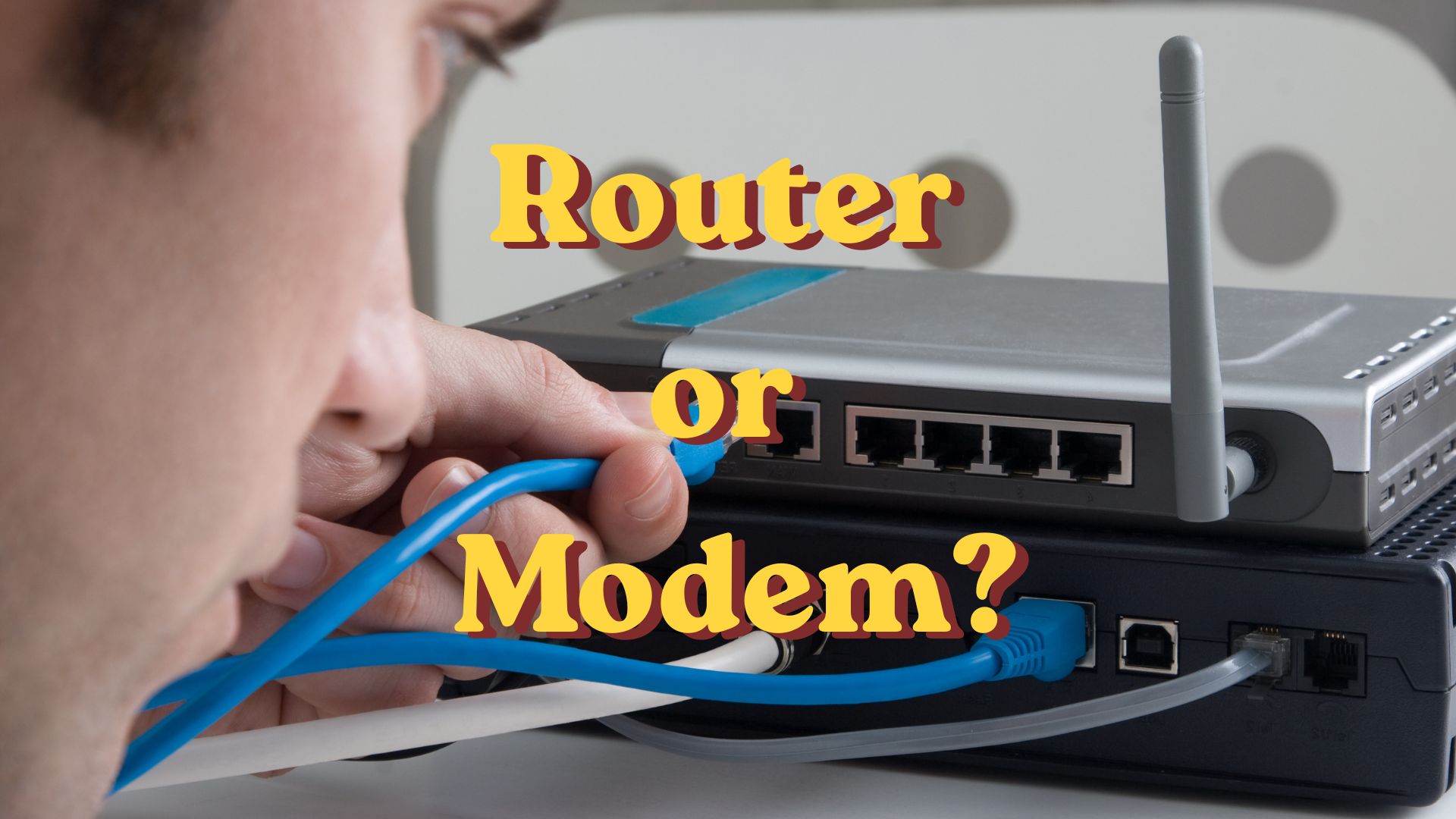
What's the Difference Between a Router and a Modem?
Have you ever called your internet provider because your Wi-Fi stopped working, only to be asked, “Can you restart your modem and router?” If you're like many people, you may have wondered, “Aren't they the same thing?”
You're certainly not alone. The words modem and router are often used interchangeably, but they perform two very different jobs. Understanding the difference can make troubleshooting internet problems much easier—and help you make better decisions if you ever buy new equipment.
The good news is that once you understand what each device does, it becomes surprisingly simple.
Think of Your Home Like a House
Imagine your home has a water pipe coming in from the street.
The water company delivers water to your house through that pipe. Once the water enters your home, your plumbing system distributes it to the kitchen, bathrooms, laundry room, and everywhere else you need it.
Your internet works much the same way.
Your Internet Service Provider (ISP) brings the internet into your home. Then another device shares that connection with all of your computers, phones, tablets, smart TVs, and other connected devices.
That's where the modem and router come in.
What Does a Modem Do?
The modem is the device that connects your home to your Internet Service Provider.
Think of it as the front door where the internet enters your house.
Depending on your provider, the modem connects through a cable TV line, a telephone line, or fiber-optic cable. It communicates with your Internet Service Provider and brings the internet into your home.
Without a modem, your house has no internet connection.
The modem's job is to receive the internet connection and pass it along.
What Does a Router Do?
Once the internet reaches your home, the router takes over.
The router's job is to share that connection with all of your devices.
It creates your home Wi-Fi network and directs traffic to the correct device.
For example:
-
Your laptop may be checking email.
-
Your smart TV may be streaming Netflix.
-
Someone else may be on a video call.
-
Your smart thermostat may be checking the weather.
The router keeps all those connections organized so each device receives the information it requests.
Think of the router as a traffic director. It knows which information belongs to which device and sends it to the right place.
Which Device Creates the Wi-Fi?
This is one of the biggest misunderstandings.
-
The modem connects your home to the internet.
-
The router creates your Wi-Fi network.
Without a router, you might be able to connect one computer directly to the modem with an Ethernet cable, but you wouldn't have Wi-Fi for all of your other devices.
Why Do Many Homes Have Just One Box?
Years ago, most homes had two separate devices—a modem and a router.
Today, many Internet Service Providers supply a single box that combines both functions.
Inside that one box are both a modem and a router working together.
That's why many people assume they're the same thing.
Even though they're built into one piece of equipment, they're still doing two separate jobs.
What Happens When the Internet Stops Working?
Knowing which device does what can help narrow down the problem.
If your Internet Service Provider is having an outage, restarting your router won't solve the problem because the modem isn't receiving internet from outside your home.
On the other hand, if your Wi-Fi has become sluggish or one of your wireless devices won't connect, restarting the router often fixes the issue because it's responsible for managing your home network.
That's why technical support often asks you to unplug both devices for about 30 seconds before plugging them back in. Restarting both clears temporary issues and lets them reconnect.
Do I Need to Buy My Own Router?
Maybe.
Many people simply rent a modem/router combination from their Internet Service Provider, and for many households, that's perfectly fine.
However, some people choose to purchase their own router because it may provide:
-
Better Wi-Fi coverage
-
Faster wireless speeds
-
More security features
-
Greater control over their home network
For most people, though, the equipment provided by the Internet Service Provider works well enough for everyday internet use.
Why It Matters
You don't have to become a networking expert to know the difference between a modem and a router.
Understanding their jobs makes technical support conversations much less confusing.
The next time someone says, “Restart your modem,” you'll know they mean the device that connects your home to the internet.
If they say, “Restart your router,” you'll know they mean the device that shares that connection with all of your Wi-Fi devices.
Sometimes just knowing which device does what can save you time—and a lot of frustration.
The Big Takeaway
Here's the easiest way to remember it:
The modem connects your home to the internet.
The router shares the internet around your home.
One connects you to the outside world.
The other connects all of your devices to each other and to the internet.
Once you know that simple distinction, the mystery disappears.
Frequently Asked Questions
Can I have a modem without a router?
Yes, but only one device could connect directly to the internet using a network cable. If you want Wi-Fi or want several devices to use the internet at the same time, you'll need a router.
Why do I sometimes only see one box?
Many Internet Service Providers provide a combination modem/router. Although it looks like a single device, it contains both a modem and a router in the same case.
Should I restart my modem or my router when something isn't working?
If you're not sure, restart both. Unplug them for about 30 seconds. Plug the modem back in first and let it fully reconnect, then plug in the router. This solves many common home internet problems.
Does every home need both a modem and a router?
Yes. Whether they're separate devices or combined into one unit, every home internet connection needs both functions: a modem to connect to the Internet Service Provider and a router to share that connection with your devices.