
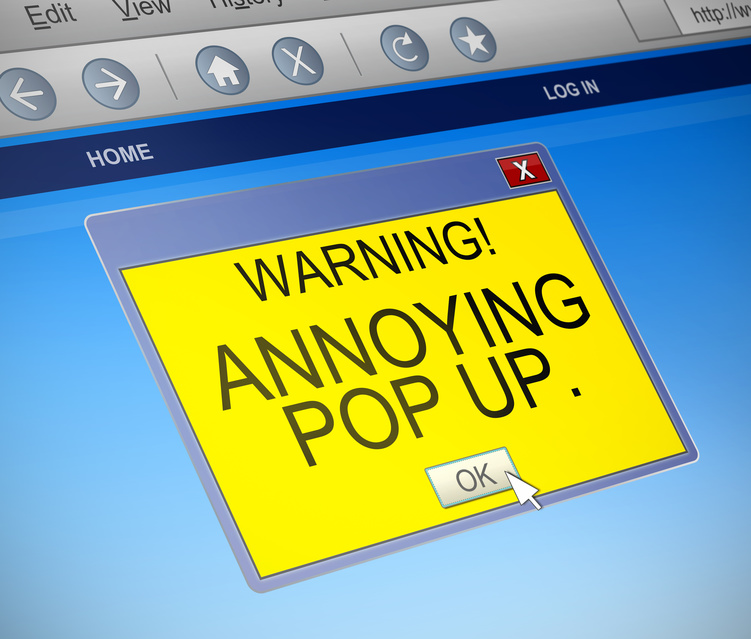
What is a Pop-Up?
Pop-ups are web browser windows or computer dialogue boxes that open without any user action. There are two main categories of pop-up: computer dialogue boxes that appear on a desktop or mobile device and online advertisements, which are the ones that appear on websites.
Dialogue boxes
Computer dialogue boxes, which appear as a pop-up window on your desktop or mobile device, are used to communicate relevant information from a computer or application to you. Sometimes this pop-up appears when it's necessary for you to enter a password, for example, when you make a purchase on your smartphone and need to enter your password to authorize the purchase.
Another pop-up that often appears is the window that advises you that a step you're trying to perform isn't allowed and requires a different keystroke or command. These types of pop-ups on computers and device facilitate a method of alerting you that some action is necessary, usually because an application wants to get your attention.
These dialogue boxes aren't frivolous; they are generated and appear when something of high importance needs your attention or action immediately. By using such an invasive manner to deliver a message the message it almost impossible to ignore. The pop-up dialogue box will usually appear in the middle of the monitor or smartphone screen, superimposed over whatever is on your screen. Pop-up dialogue boxes require some acknowledgement or action before the user can continue. Typical operations can be entering some data that's needed, or using a click or tap to accept or cancel some action.
Web pop-ups
The second type of pop-up is the online or website variety. Online pop-ups are most often ads are from advertisers who want to get your attention before you can see any content or take any further action.
Like the dialogue pop-ups mentioned earlier, these advertisement pop-ups open a new window on top of what's already on your screen. Pop-up ads differ from standard online ads because they cover your view of what's behind them.
Standard online advertisements appear either in the margins of your browsing window or the middle of the webpage. Usually, text ads that appear on the webpage have a small icon or message indicating that the content is an ad, so you know the information is an ad and not part of the website content.
Pop-up ads use the same method of presenting themselves as computer dialogue boxes and sometimes even attempt to replicate the appearance of a dialogue box. These examples of pop-up usage are why many browser settings offer the option to block all pop-ups. When using the pop-up blocking features of a browser, when there is a legitimate browser window attempting to open, you'll be notified and asked whether or not you'd like to allow a particular pop-up to load.
Pop-up ads may or may not be about current web searches or browsing history, and sometimes may be indicative of potential tracking software or other types of malware.
To my way of thinking
Pop-ups of any kind are meant to attract attention and stop you from being able to do anything until you close the pop-up window. Many pop-ups are from applications or your operating system and are meant to help you know that you need to take action. Keep this in mind and pay attention to the options which might require you to enter information, tap on a button, or take action. There are so many dialogue pop-ups that it's impossible to say what the right thing to do is when you see one, so you'll have to pay attention and think it through.
Web browsers often have updates which help block pop-ups, but marketers, advertisers, and website owners often use pop-ups because they do result in a response by users. Usually you can delete the pop-up by clicking on an X symbol and by keeping your web browser software up-to-date you'll have the latest pop-up blocking features installed.
Not a subscriber? Don't miss a single issue