
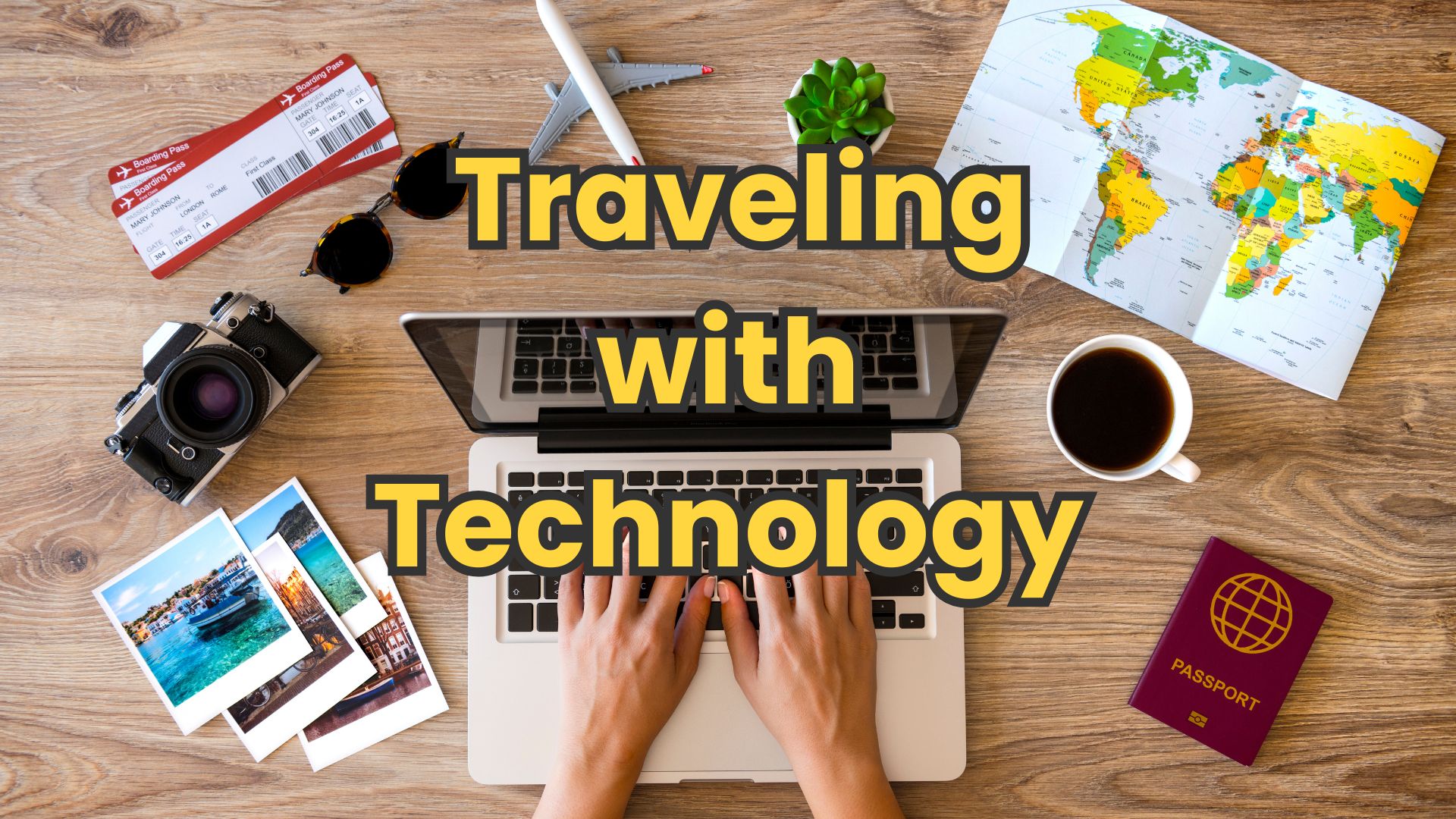
Traveling With Technology: A Simple, Stress-Free Guide for Seniors
Traveling today almost always means traveling with technology. A smartphone for maps and photos, maybe a tablet for reading, a laptop for staying in touch, or even just earbuds and a charger. The good news is you don't need to be “techy” to travel smart. A little planning can prevent most travel headaches and give you peace of mind on the road.
This guide focuses on the basics—what to bring, what to download ahead of time, and how to protect yourself if something goes wrong.
Power Basics: Adapters, Chargers, and Cables
One of the most common travel mistakes is assuming your plug will work everywhere. Many countries use different wall outlets. A small plug adapter lets your US charger fit foreign outlets. You usually do not need a voltage converter for phones, tablets, or laptops—most modern chargers automatically handle different voltages. You can confirm this by checking the fine print on your charger. If it says “Input: 100–240V,” it will work worldwide with just a plug adapter.
Bring one compact multi-port charger if possible. It lets you charge a phone, tablet, and earbuds at the same time using a single outlet. Also, bring one extra charging cable for your phone. Cables are inexpensive, easy to lose, and harder to replace quickly when traveling.
If you use a smartwatch, hearing aids, or a medical device that charges by USB, double-check that you packed those cables too.
Cell Service Abroad: Roaming vs eSIMs (Explained)
When you leave the US, your phone doesn't automatically stop working—but it can get expensive.
Some travelers choose international roaming from their US carrier. This is the easiest option because nothing changes on your phone, but it can cost $10 or more per day. For short trips, that simplicity may be worth it.
Another option is an eSIM, which is a digital phone plan you download before or during your trip. It usually costs less and gives you data for maps, messages, and internet access. In most cases, you keep your regular phone number for calls and texts, while using the eSIM for data.
For many seniors, this is a good middle ground between cost and convenience, but always check your carrier's international fees to see whether they charge by the day for any use, or charge separately for data, voice, and text (SMS).
If this feels intimidating, that's okay. Roaming works fine—you want to know which option you're using so there are no surprise bills.
Download Before You Go: Entertainment and Essentials
Airports, planes, trains, and hotels don't always have reliable internet. Before you leave, download what you might want offline.
Download movies, TV shows, or audiobooks to your phone or tablet for the flight. Many streaming services allow downloads that work without an internet connection. Do this at home, not at the airport.
Also, download offline maps for your destination so you can navigate even without cell service. Save airline boarding passes, hotel confirmations, and tour tickets to your phone and take screenshots, just in case an app doesn't load.
Important Files to Keep on Your Devices
Keep copies of key information on your phone and tablet. This includes your passport photo page, travel insurance details, emergency contacts, hotel address, and airline information.
Store these in more than one place if possible—such as your notes app and your email. If internet access is unavailable, you'll still be able to access them.
Shared folders or photo albums are convenient for sharing things with family and friends, but don't keep sensitive photos or documents in them. If you use biometric ID, just keeping them on your device or in your cloud account is best. And for an extra layer of security, Apple, Google, and Microsoft all offer tools to lock photos, files, and documents.
Access to these documents on your device is especially helpful if you need assistance from airline staff, hotel desks, or local authorities.
If a Device Is Lost or Stolen
This is everyone's fear, but planning makes it manageable.
Before traveling, make sure your phone and tablet are protected with a passcode or biometric lock. Turn on the built-in “Find My Device” feature to locate, lock, or erase it remotely if needed.
If a device is lost, your first steps are to secure your accounts, contact your carrier, and—if necessary—replace the device. If you use banking or financial apps, notify your bank as an extra precaution. Many people are surprised by how quickly a replacement phone can be set up if their data is backed up.
This is another reason backups matter. Photos, contacts, and apps should automatically restore when you sign in to a new device.
What Should Always Go in Your Carry-On
Never put important technology or documents in checked luggage.
Your carry-on should include your phone, tablet, laptop, chargers and cables, medications, hearing aids, glasses, travel documents, and a small battery pack, if you use one.
NOTE: Airlines require lithium batteries (including battery packs and spare rechargeable batteries) to stay in your carry-on. They are not allowed in checked luggage.
If checked luggage is delayed, you'll still have what you need. If you would be upset or inconvenienced to lose it, it belongs in your carry-on.
Travel Tech Doesn't Have to Be Complicated
You don't need every gadget or the latest app to travel confidently. A few smart choices—bringing the right chargers, planning for cell service, downloading essentials ahead of time, and protecting your devices—can make your trip smoother and far less stressful.
Technology should support your travel experience, not get in the way. With a little preparation, it becomes a quiet helper in your pocket—ready when you need it, and easy to ignore when you don't.
Before You Leave Home: 5-Minute Travel Tech Check
• Confirm your phone is backed up
• Turn on Find My Device
• Check your charger says 100–240V
• Download entertainment and maps
• Verify your phone plan or eSIM
Frequently Asked Questions About Traveling With Technology
Do I really need a plug adapter when traveling internationally?
Yes. Even though your phone or tablet charger usually works with foreign voltages, the plug shape is often different. A simple plug adapter lets your US charger fit outlets in other countries. One small adapter usually works in many places.
Do I need a voltage converter for my phone or tablet?
Rarely. Most modern phones, tablets, laptops, and their chargers automatically handle different voltages. Voltage converters are usually only needed for older appliances, such as hair dryers or curling irons.
What's the easiest way to use my phone overseas without big bills?
The simplest option is an international plan from your US carrier. It costs more, but nothing changes on your phone. An eSIM is often cheaper and works well for data, but requires a little setup ahead of time. Either option is fine—what matters is choosing one before you travel.
Will my phone still work if I don't buy an international plan?
Your phone will still turn on, but calls, texts, and data can be very expensive if roaming is active. It's best to either add a plan, use an eSIM, or keep cellular data turned off and rely on Wi-Fi.
Why should I download movies and shows before leaving home?
Internet on planes and in airports can be slow or unreliable. Downloading entertainment ahead of time guarantees you'll have something to watch or listen to, even without internet access.
Should I bring a laptop on vacation?
Only if you truly need it. For many travelers, a smartphone or tablet is more than enough for email, photos, reading, and navigation. Fewer devices mean fewer chargers and less to worry about.
What should I do immediately if my phone is lost or stolen?
If possible, use another device to lock or remotely erase your phone. Contact your mobile carrier as soon as you can. This protects your personal information and prevents unauthorized use.
Will I lose my photos and contacts if my phone is stolen?
Not if your phone is backed up. Most phones automatically back up photos, contacts, and apps. When you sign in to a replacement phone, your information is usually restored.
Should chargers and devices go in checked luggage?
No. Always keep phones, tablets, chargers, cables, and important electronics in your carry-on. Checked bags can be delayed, lost, or handled roughly.
What's the single best travel tech tip for seniors?
Keep it simple. Bring only what you need, plan your phone service, download important information before you leave, and protect your devices with a passcode. That alone prevents most travel tech problems.
Should I use public Wi-Fi at hotels and airports?
Public Wi-Fi is convenient but not completely secure. Avoid logging into bank accounts or entering sensitive passwords unless necessary, and consider installing a VPN on your devices for additional security. Using your mobile data is generally safer than public Wi-Fi.
FREE MEMBERSHIP NOW AVAILABLE
Join my new Tech Explorer Community for weekly Tech Topics, AI Topics, Q&A, and more.