
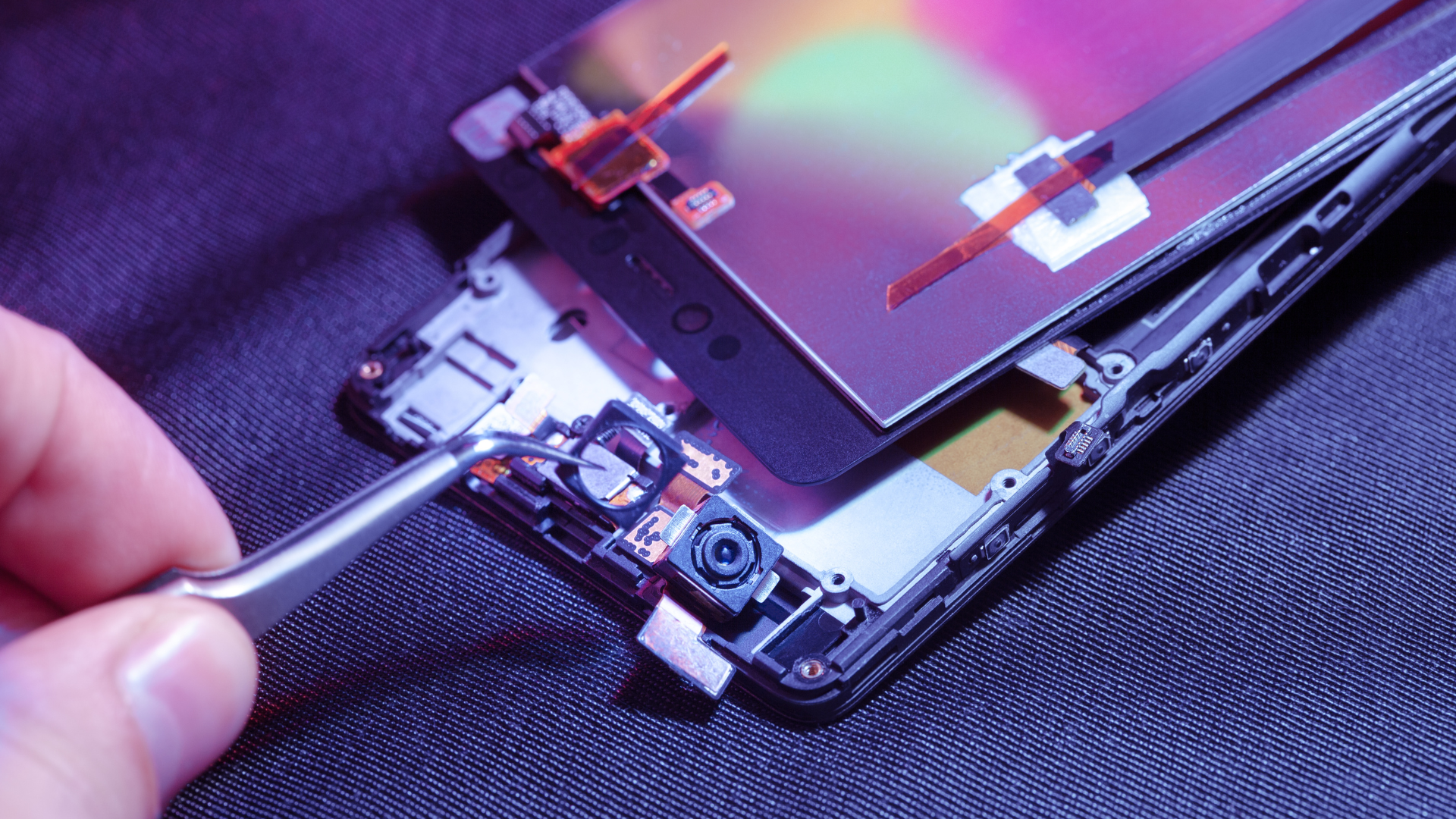
Smartphone Sensors
Smartphones have sensors to help them understand the world around them. These sensors can detect light, sound, motion, position, and other things. Using these sensors, our smartphones can do extraordinary things like automatically adjusting the screen's brightness based on the lighting conditions or tracking our steps to help us stay active.
Sensors are in every smartphone. It's one characteristic that makes them smart. Apple iPhones, Google Pixel, and Samsung smartphones all have sensors. Many sensors are available for application developers to use for their apps. Some are considered part of a smartphone's construction, while others are only for use by the manufacturer to protect your device or for warranty coverage. Let's look at what Google and Apple list in their sensors' technical specifications, then at a few others.
Sensors Listed in the Technical Specifications
Google's Pixel 7 and Apple's iPhone 14 specifications list the same sensors, with slightly different names. Apple lists one more than Google. While some sensors might have other uses, I won't cover them all; I'll cover why they are included in your smartphone. Here are the ones that both Google Pixels and Apple iPhones have in them and what they are used for:
Proximity Sensor
Your smartphone uses the proximity sensor to tell if you are holding it up to your ear for a phone call. When you hold your phone and make contact with your ear to listen to a call, your phone shuts off the touchscreen touch function, so you don't accidentally start apps or tap anything with your ear. If your smartphone didn't have this sensor, you'd be tapping apps with your ear while on a phone call.
Ambient Light Sensor
The ambient light sensor tells your smartphone how much light is hitting it. This sensor tells your smartphone to increase or decrease the brightness depending on how much light hits the screen. Adjusting the brightness makes seeing your screen in a very bright environment easier. Adjusting it down makes it easier to see when it's darker and uses less battery power, so your charge lasts longer.
Accelerometer
An accelerometer is a sensor that tells your smartphone about acceleration and movement. When you lift your smartphone, it accelerates from a stop to the speed you move it, then it slows down and stops when you lift it to the position you hold it in. The accelerometer is used by your phone to tell it what speed it is moving, so it can go into driving mode when you are in a car. It's traveling faster than you would walk. This sensor is also used to count steps and to help your smartphone switch from portrait to landscape mode when you tilt your screen. Games also use this sensor so your phone can control the movement of things in games, like cars and characters. There is more about accelerometers in this article if you're interested.
Gyroscope
The gyroscope tells how it's oriented. Imagine putting your phone inside a ball so it stays in place. To rotate your phone, you would need to rate the ball. Doing this can move the ball in any direction, which is called 360-degree rotation. No matter where your phone points, the gyroscope tells it the direction so your phone call tells up from down and flat from vertical.
Magnetometer
The magnetometer is an electronic magnet that lets your smartphone detect metal and is used like a magnet to help determine north so your smartphone can be a compass for mapping. While this sensor is mainly used for direction, it can also be used as a stud finder. Apple doesn't list the magnetometer in the sensors list for iPhone 12 and newer models but includes it in their MagSafe listing. Magsafe is the term Apple uses for wireless charging of the iPhone, including the magnetometer.
Barometer
Barometers measure atmospheric pressure. This measurement is commonly used for weather forecasting. By measuring atmospheric pressure, the barometer sensor can determine altitude and improve GPS accuracy. Some apps use the barometer to tell you how many stairs you have climbed or track your elevation during a workout, hiking, or cycling on a bike.
Face-ID
Apple uses a sensor in the front-facing camera it calls Face ID. The camera by itself is a camera that allows you to take selfies and participate in video calls and meetings. The Face ID sensor is the technology that creates and recognizes a map of your face to unlock your iPhone. Face ID unlocks your iPhone and verifies purchases through the app store or when using Apple Wallet for credit card transactions.
Sensors not mentioned in the specifications.
Two sensors are included on the iPhone, Pixel, Samsung, and most brands but aren't mentioned in the technical specifications. These are the Liquid Contact Indicator and the Thermometer.
The Liquid Contact Indicator is a sensor that is used for warranty protection. Almost all smartphones have a warranty, but the contract excludes damage to the device from water or moisture. The maker uses the Liquid Sensor Indicator to indicate if the smartphone was exposed to any liquid, meaning that warranty protection is unavailable.
Another sensor not listed on the specs detects and prevents overheating from damaging the phone. More accurately known as a thermal sensor, this circuit senses the heat from the circuits inside your smartphone and can cause it to shut off until it cools down. A smartphone usually doesn't overheat in everyday use, but it could overheat on a hot day or be left in the sun in a car. If your phone overheats, you'll see a message when you try to unlock it, letting you know it has been locked until it can cool down. Once your phone has cooled down, you can start using it. When mine has overheated, which has happened once in the past two years, it's only 5-10 minutes before it is ready to use.
Things that aren't called sensors in the specifications
A few additional features are part of virtually all smartphones but aren't considered sensors in specifications.
Touchscreen
Your touchscreen includes a sensor that can detect your finger. It allows you to use your finger like a mouse on a computer. The smartphone screen comprises several material layers, including glass (or another transparent surface, like crystal), a touch-sensitive layer, and a layer for illuminating the screen. The touch-sensitive layer reacts to what is called capacitive touch, meaning that it senses electrical contact.
Remember that our bodies conduct electricity. This ability of our bodies to conduct electricity gave smartphone makers the ability to build a sensor that detects where our finger touches the screen and allows us to tap and use other gestures. Capacity touch is very accurate and fast to sensing contact. There's another type of screen that's pressure sensitive but not as precise or rapid as a capacitive touch.
A pressure-sensitive touch screen. In grocery stores, self-checkouts, or other point-of-sale terminals, you'll likely see a pressure-sensitive screen that requires pressing.
Fingerprint Sensor
Many smartphones include a fingerprint sensor to identify the owner and unlock the smartphone screen. Fingerprint sensors aren't included in the more recent models of smartphones since facial identification has replaced them and is more accurate.
Not really a sensor
The last circuit is not considered a sensor since it's a radio that detects a broadcast. Your smartphone's Near Field Communication (NFC) circuit is used for the tap-to-pay function when you use a credit card stored at a payment terminal. NFC is a radio technology that works only when two NFC devices are within 4 centimeters of each other and don't have to touch to connect.
Wrap-Up
These sensors make our smartphones more valuable and convenient in our daily lives. I've included some links to specifications for some smartphones, and you can do an online search for your brand or model and add the word "specifications" to the search to find out about your model.
Some references:
Apple iPhone 14 Specifications
Apple Liquid Contact Indicator
Google Pixel Liquid Contact Indicator
Check the calendar for internet marketing, social media marketing, SEO, eCommerce, technology, and Living Abroad classes.