
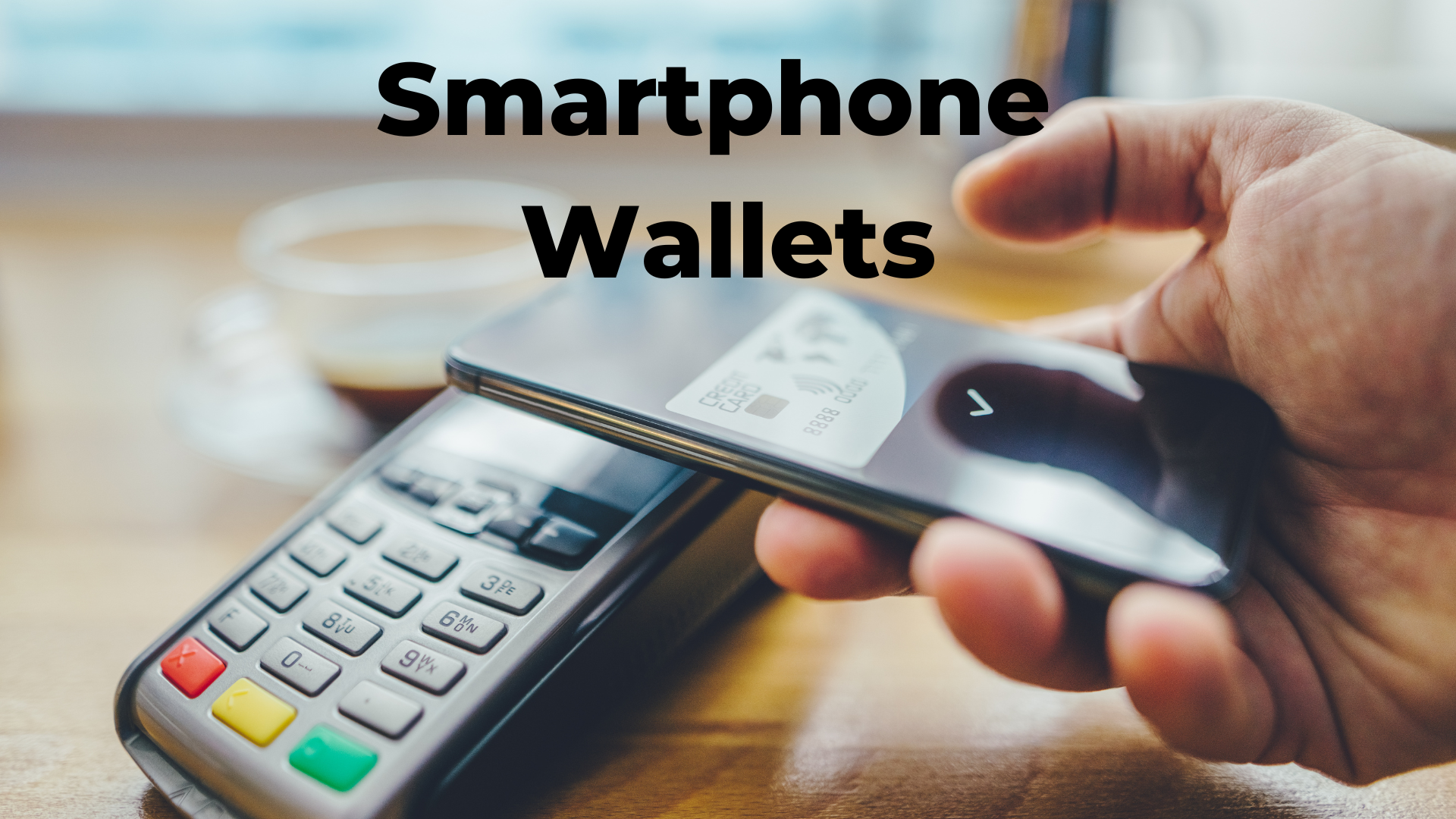
Smartphone Digital Wallets
I only took one physical credit card with me on a recent trip out of the country. I relied on using my Apple Wallet to pay for almost everything, and during the three weeks, I only took the credit card out of my wallet once to pay for something. The rest of the time, I used my smartphone to pay for purchases and obtain flight boarding passes.
I keep my Auto Club membership and several loyalty program cards in my Apple Wallet, and I use my Google Wallet to make a credit card payment on my Fitbit (Google owns Fitbit). The Apple Watch can also make payments using the Apple Wallet app.
One of the most valuable features of modern smartphones is the digital wallet. Digital wallets like Apple Wallet, Google Wallet, and Samsung Wallet make tracking crucial information like boarding passes, event tickets, and credit cards easier without carrying a physical wallet.
If you aren't using the wallet feature on your smartphone, or if you want to learn more about what you can do with it, read on.
What Can Be Stored in a Digital Wallet?
- Boarding Passes: Whether you're flying for a vacation or business, you can add your boarding pass to your digital wallet. You can show your phone at the airport instead of searching for a printed pass. You might have seen this when people place their smartphones on the scanner to scan their boarding passes.
- Event Tickets: Many concerts, sporting events, and theater shows now offer digital tickets. Adding them to your wallet allows you to easily access them on your phone when you're ready to enter the venue. I use it to buy movie tickets through the theater app.
- Credit and Debit Cards: You can store your credit and debit card details securely in your digital wallet, allowing you to purchase directly from your phone.
- Loyalty Cards: Frequent shopper programs can be stored in your wallet, making it easy to collect and use points at your favorite stores.
- Gift Cards: Many stores offer digital gift cards to add to your wallet and use in-store or online.
- Transit Passes: If you use public transportation, you can store your transit pass in your wallet, making it easier to tap your phone to pay for rides.
How to Add Something to Your Digital Wallet
Adding items like tickets, boarding passes, or credit cards to your wallet is typically very simple:
For Credit Cards:
- Open the Wallet app on your phone.
- Tap the "+" or "Add" button.
- Follow the instructions to scan your card or enter its details manually.
For Other Items (like tickets or boarding passes):
- When you receive an email or notification with a ticket or pass, there is usually an option to "Add to Wallet."
- Tap that option to save to your wallet for easy access automatically.
Using Credit Cards with Your Digital Wallet
The process is seamless and secure when you use your smartphone's wallet for credit card payments.
At a Store: When you're ready to pay, look for a card reader terminal that supports contactless payments (usually marked with a Wi-Fi-like symbol).
How It Works:
- Open your wallet app, select the card you want to use, and then hold your phone near the terminal, just like you would have a credit card to tap the terminal.
- Your phone communicates with the terminal wirelessly, sending the payment information securely.
- On Apple Wallet, you'll authenticate using Face ID, Touch ID, or your phone passcode. Google and Samsung Wallets also use a PIN or biometric authentication
- Once authenticated, the payment is completed.
This method is very secure because your card information is not directly shared with the retailer. Instead, the wallet uses a tokenized version of your card, adding extra protection against fraud.
Using Non-Credit Card Items in Your Wallet
When you're using non-credit card items like boarding passes, event tickets, or loyalty cards, the process is even more straightforward:
For Tickets or Passes:
- Open your wallet app.
- Find the ticket or pass you want to use.
- Hold your phone near the airport, event venue, or transit station scanner, or show the screen to the staff.
There is no need to authenticate, like with credit cards; these non-credit card items are stored as readable barcodes or QR codes that can be quickly scanned.
Three Benefits of Using a Digital Wallet
1. Convenience: Having everything in one place means you don't have to search through emails or fumble with papers. Your tickets, cards, and passes are always ready when needed.
2. Security: Digital wallets use strong encryption to protect your information. When paying with a credit card, your card number is never shared with the retailer, reducing the risk of fraud.
3. Speed: Tap-and-go payments and fast ticket access make your life more efficient. No more digging for the right card or searching for a printed ticket at the airport.
Useful Links for Support
Apple Wallet Support https://support.apple.com/en-us/HT204003
Apple Pay Support https://support.apple.com/en-us/HT204506
Google Wallet Support https://support.google.com/wallet
Samsung Wallet Support https://www.samsung.com/us/support/answer/ANS00088581/
Wrap-up
I've thinned out my wallet by carrying fewer cards with me and am using my digital wallet more. Purchases made using the wallet app are visible to me within the app, so I always have a history of my transactions visible.
Apple, Google, and Samsung wallets offer a powerful way to simplify your life by storing important information securely on your smartphone. From making purchases to catching a flight, your wallet app ensures you're always prepared.
FREE MEMBERSHIP NOW AVAILABLE
Join my new Tech Explorer Community for weekly Tech Topics, AI Topics, Q&A, and more.