
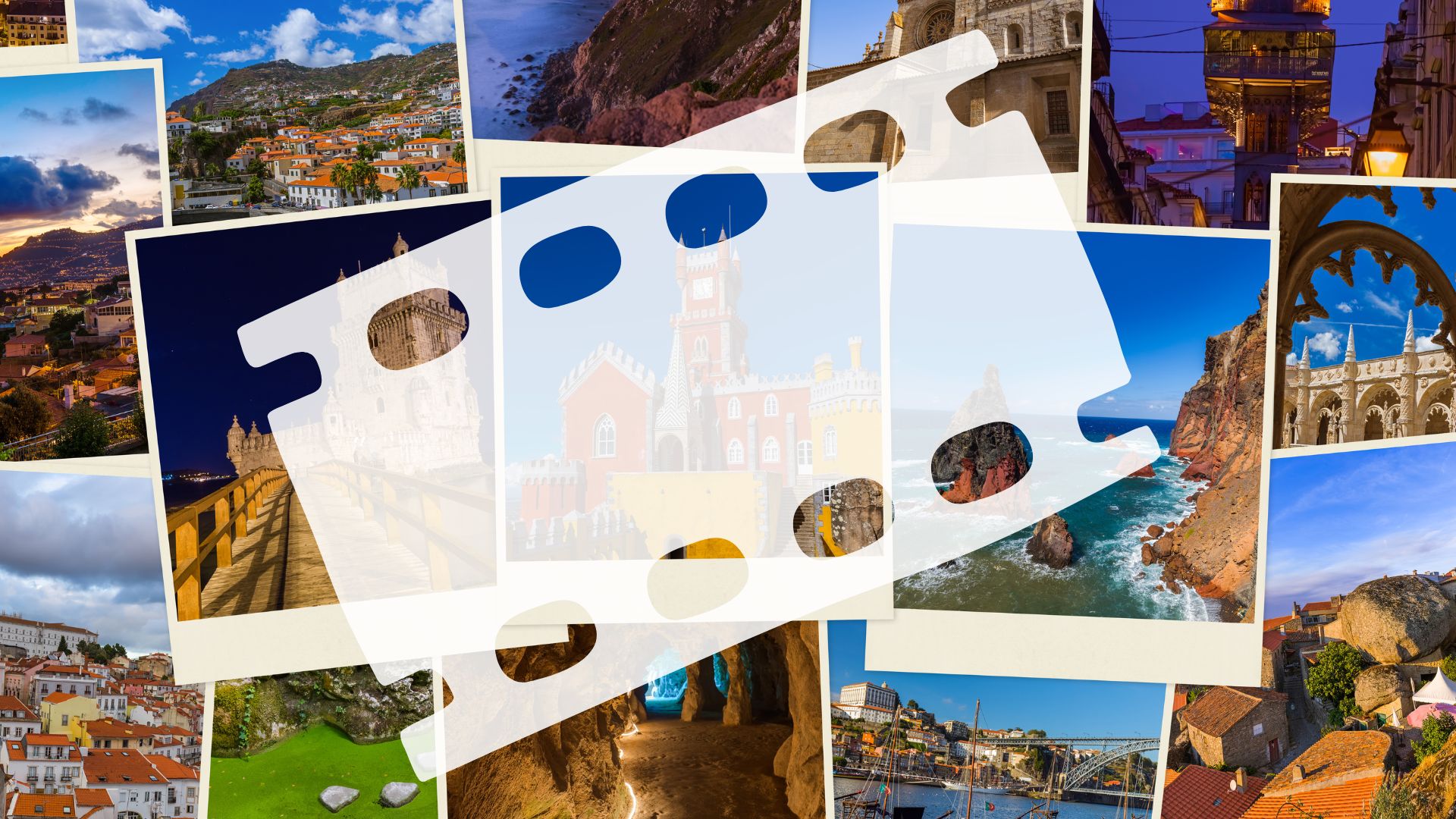
How I Helped Sarah Make Her First Vacation Video
A Beginner's Guide to Video Editing Terms — One Story at a Time
Getting Started
Not long ago, my friend Sarah came to me with a question I've heard many times:
“I've got all these photos and video clips from my trip to Italy… is there an easy way to turn them into a video I can share with friends?”
Absolutely. And that's exactly what we did — using one of the many free video editing tools available today, like iMovie, Clipchamp, CapCut, or Adobe Express. You don't need to be a techie to get started — just a little guidance.
The Basic Terms (Don't Worry — They'll Make Sense As We Go)
Before we jumped in, I gave Sarah a short list of the most common video editing terms. I told her not to memorize anything — they'd all make sense once we started working.
- Project or Movie – A folder created in the editing software that contains everything.
- Media – Any photo, graphic, audio, or video you use in the project.
- Media Bin – A place in the app where all your photos, videos, and audio files are stored before you use them.
- Clip – A short video or audio segment.
- Trim – Cutting off extra bits from the beginning or end of a clip.
- Split – Dividing one clip into two pieces.
- Timeline – The space where you drag and arrange your clips to build your video.
- Tracks – Layers in the timeline—video on one, music on another, text on a third.
I reassured her: “We'll use all of these naturally as we go — no quizzes!”
Getting Started
We opened a free video editor on her laptop. Sarah had Clipchamp on her Windows computer, but I told her the steps would be similar in iMovie, CapCut, or Adobe Express.
She clicked “Create a new video” and named it Italy Vacation.
Then she imported the media from her computer — beautiful shots of the Colosseum, canals in Venice, a street violinist playing Vivaldi, and even a selfie video from a hilltop in Florence.
Building the Story in the Timeline
I showed her how to drag a photo or video clip from the media bin into the timeline — the workspace where you arrange your video from start to finish.
She placed a scenic photo of Rome first, then a short clip of her walking through a market. One by one, she dropped the clips in the order she wanted.
We trimmed the start of one clip to remove the part where she was adjusting the camera, and split another to remove an awkward moment in the middle.
“That's not so bad!” she said. “Now I see what trimming and splitting mean.
Adding Music, Text, and Finishing Touches
Next, we added a music track. I showed her how to drag the song onto the audio track in the timeline. Many video editing applications offer copyright-free audio that you can use legally.
Then she added a title at the beginning: “My Italian Adventure”, and a few text overlays on her photos like “Pasta in Naples” and “Sunset in Venice.”
We added simple fade transitions between scenes to make them flow smoothly.
Exporting the Final Movie
Once everything looked good, we clicked Export to save the video.
In just a few minutes, Sarah had created a 90-second movie that she could email to friends, post on social media, or keep for herself as a digital memory.
Sarah's Takeaway (And Yours Too)
Sarah told me afterward, “I always thought video editing was complicated, but you made it feel easy and fun.”
That's what I want everyone to know — once you understand the terms and get a little practice, making a video isn't much more complicated than putting together a photo album.
Want to Try It Yourself?
Here are some ideas:
- Create a vacation highlight video, like Sarah.
- Create a birthday slideshow with music and captions.
- Turn your family memories into a keepsake video.
- Record a talking photo album for grandkids or friends.
Wrap-Up
If you've never made a video before, don't worry. I have a Tech Topic video on creating videos.
Turn your photos and memories into something you can watch, share, and enjoy for years to come.
FREE MEMBERSHIP NOW AVAILABLE
Join my new Tech Explorer Community for weekly Tech Topics, AI Topics, Q&A, and more.