
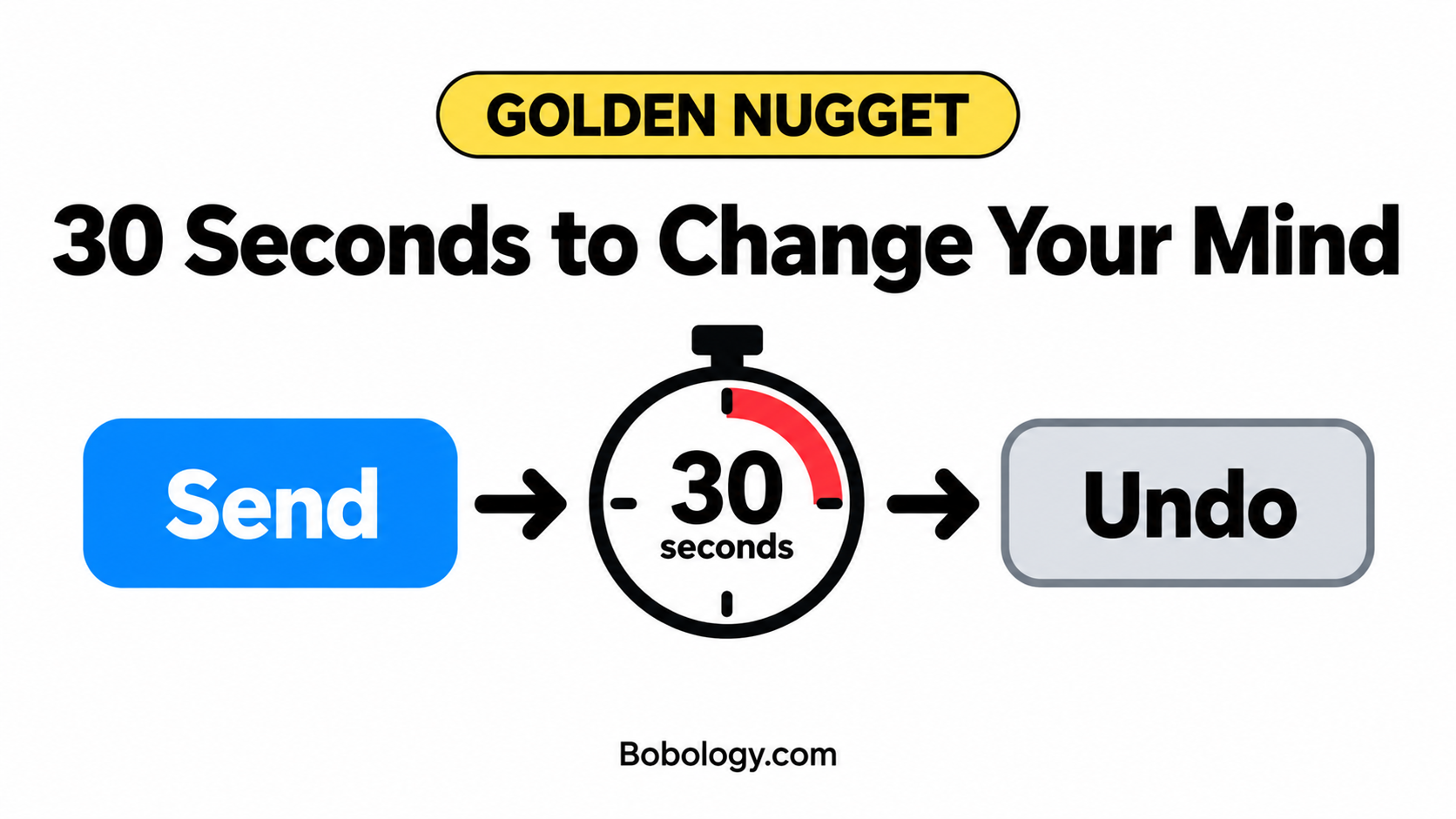
Golden Nugget: Give Yourself 30 Seconds to Undo a Gmail Message
Gmail can wait up to 30 seconds before actually sending your message.
Why It Helps
Those extra seconds give you time to catch a mistake, add a forgotten attachment, or stop a message sent to the wrong person.
How To Do It
- Open Gmail on your computer and click the Settings gear.
- Choose See all settings and stay on General.
- Find Undo Send.
- Set the Send cancellation period to 30 seconds.
- Scroll down and click Save Changes.
Learn more about technology - join my free tech learners community at www.techexplorercommunity.com