
Content Creation in Five Steps
This course covers the five steps you need to know to be an effective content creator. For the first time, I'll share my process from getting ideas to producing completed content for publishing so you can copy it and use it for your own content creation efforts.
In each step, you'll learn detailed steps and the tools you can use to speed up your content creation. Whether you're creating content for your own business, a hobby, social media, or learning materials, this course will give you the tools and methods to improve and succeed.
Your Course includes:
- A complete recording of the live class
- A download of the video you can keep on your computer
- A 50+ page workbook with detailed information
- Access to a discussion group for Q&A
Join Now for Online Access to Class Materials
Taught at Pasadena Community College, Los Angeles Valley College, Sierra College, Saddleback College, and West Los Angeles College, you'll have access to the same material used in the class. Included are slides and text from the class workbook, along with dozens of resources for additional help.
Course Outline
Course Purpose
- Learn a repeatable, end-to-end process to create text, graphics, audio, and video
- Match your content to the right audience and destination (website, social, email, products)
- Repurpose efficiently to maximize reach across formats
What Is Content & Where It Lives
- Definitions: text, graphics, audio, video
- Destinations: websites/blogs, social platforms, email newsletters, podcasts, videos, product pages
- Repurposing: long video → shorts; article → captions, posts, scripts
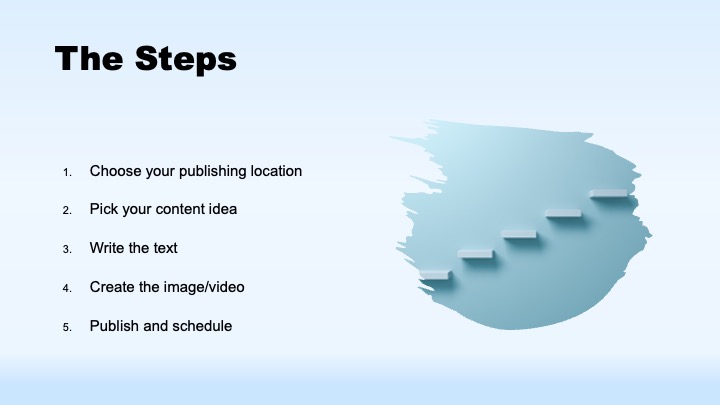
The Core Workflow
- Choose your publishing location first (audience, format, benefits vs. features)
- Pick an idea (maintain an ongoing list)
- Write it out (script, outline, or article)
- Add a visual (photo, illustration, clip, or stock)
- Publish or schedule
Choosing Destinations & Formats
- Websites/blogs (Wix, Weebly, WordPress, Squarespace, etc.) for depth and e-commerce
- Social media: format differences (square/portrait/landscape; time limits; audience expectations)
- Email newsletters (AWeber, Mailchimp, Constant Contact): permission, push vs. pull, linking back
- Google Business Profile: maps, updates, events, posts
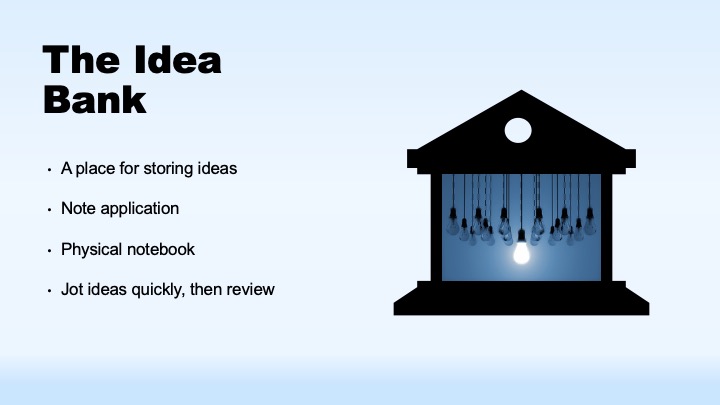
Building an Idea Bank
- Capture ideas anywhere (Notes, OneNote, paper)
- Mine your Sent folder for Q&A you've already written
- Do the “100 Questions” exercise
- Benchmark competitors and adjacent pros; observe frequency, topics, formats
- Source ideas from news, daily work, studio/process tours, testimonials, conversations
Writing: Text First
- Draft before you edit; use AI for first drafts when helpful
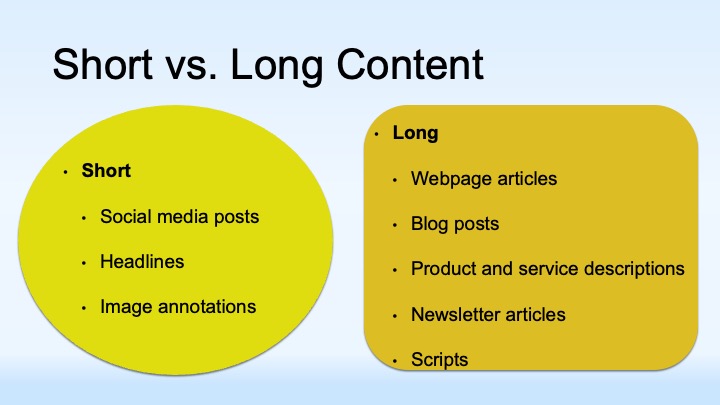
- Short vs. long form: captions, posts, and headlines vs. articles, scripts, descriptions
- Templates: consistent open, points, and close; basic three-act storytelling for clarity
Keywords, Headlines, and SEO
- Research real search terms; include at least one target keyword in headline and body
- YouTube/podcasts use transcripts—write with discoverability in mind
- Headline triggers: numbers, questions, “free,” “limited time,” and other power words
Editing & Polishing
- Copyediting for clarity, active voice, readability (use tools or outsource)
- Iterate quickly; don't overcorrect during drafting
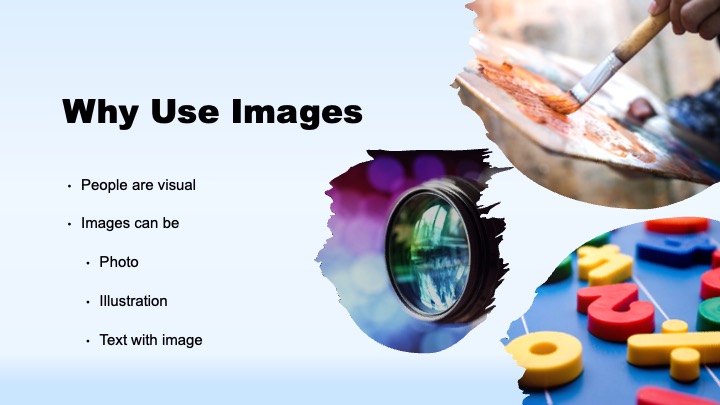
Images & Graphics
- Match image to message; add minimal on-image annotations when needed
- Sources: your camera, stock libraries (free and paid), simple diagrams from slide tools
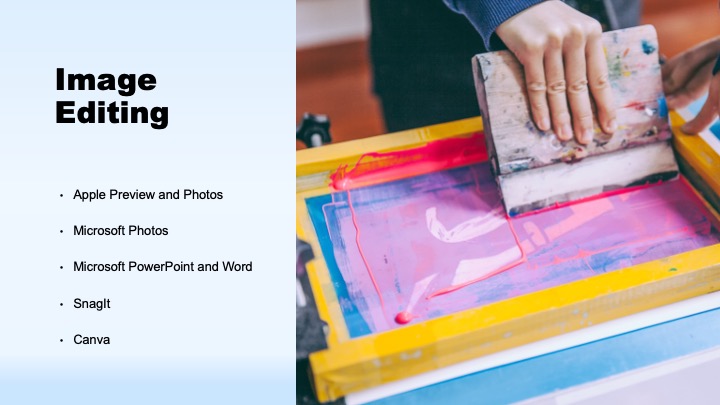
- Editing basics: resize for destination, crop using rule of thirds, adjust light/contrast
- Common sizes: square, portrait, landscape; mind mobile vs. desktop cropping
Video & Audio Essentials
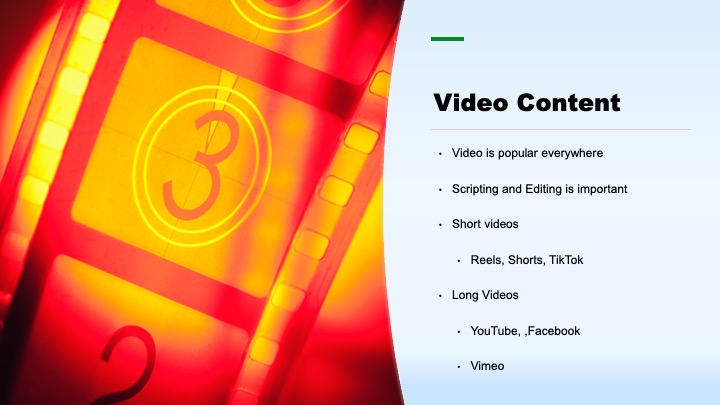
- Plan with an outline or script; mix A-roll with B-roll
- Audio quality matters most—use external mics when possible
- Editing options from simple to advanced; enhance sound and pacing
- Podcasts: record clean voice, avoid visual references, host and distribute easily
Scheduling & Consistency
- Set a realistic cadence (start monthly → weekly → multi-weekly as skills grow)
- Use content themes (customer story, product/service, industry news, events)
- Map themes to a monthly/weekly calendar to build habits and audience expectations
Automation & Distribution
- Leverage your blog's RSS to auto-create emails and social posts
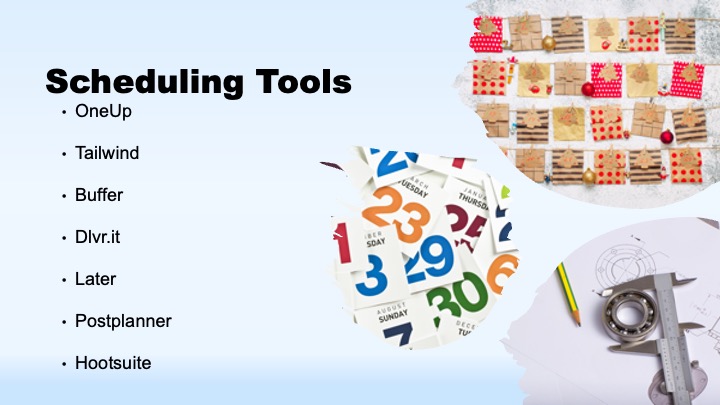
- Use schedulers for multi-channel posting and evergreen queues
- Balance planned calendar with timely, ad-hoc updates
Tools & Resources (Examples)
- Writing & editing: word processors, AI drafting, grammar/checking tools
- Images: smartphone editors, Canva, built-in tools (Photos/Preview), Snagit
- Video: beginner-friendly editors; options for resizing, voiceover, captions
- Audio: lapel/shotgun mics; basic audio editors for cleanup
- Email & scheduling: AWeber/Mailchimp/Constant Contact; social schedulers
Practice & Next Steps
- Create or update your idea bank with 25 items
- Draft one short and one long piece from the same idea
- Design one matching visual and one headline per destination
- Schedule a 4-week content calendar with themes and automation