
Blogging for Fun and Profit
This class is designed to help anyone learn all the basics of blogging. You will learn what a blog is, why blogs are your best choice for a website, and how to create a blog for free. Find out how to share information, pictures, and videos on your blog. You can even use your blog to share your ideas with the world, and make money doing it! Learn about affiliate programs, ads, and other ways to make money with blogging, and using your blog with social media sites.
Your Course includes:
- A complete recording of the live class
- A download of the video you can keep on your computer
- A 50+ page workbook with detailed information
- Access to a discussion group for Q&A
Topics in this class include:
- what are blogs
- why blogs are an excellent choice for a website
- your options for blog software and hosting
- posting articles, photos, video, and audio
- selling ads and making money on your blog
- best practices for content
Taught at Pasadena Community College, Los Angeles Valley College, Saddleback College and West Los Angeles College, you'll have access to the same material used in the class to learn how to start or polish up your blog. Included are slides and text from the class workbook, along with dozens of resources for additional help.
Join Now for Online Access to Class Materials
Course Outline
Who This Is For
- Beginners and intermediates launching or improving a blog
- Creators, hobbyists, and small business owners
Prerequisites
- Basic computer and internet skills
- Optional: a topic/niche idea
Course Goals
- Understand what a blog is and why it works
- Set up a blog, pick a theme, and publish posts
- Use simple SEO, RSS, and social to grow an audience
- Manage comments, moderation, and site settings
- Monetize ethically with ads and other options
Key Topics
- Blog = a website with dated “posts” (a public periodical)
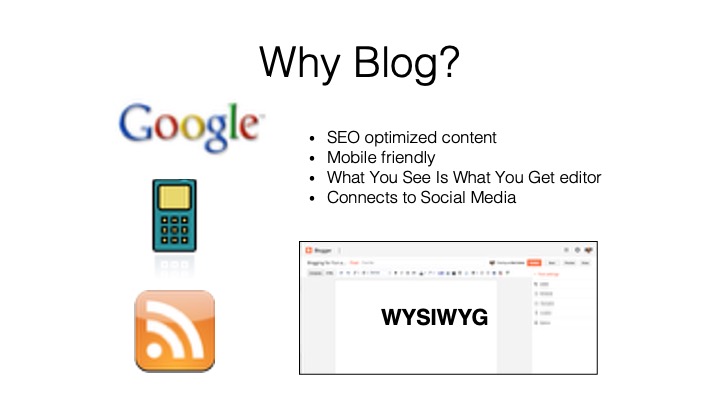
- SEO benefits: fresh, regular content Google can index
- Mobile-friendly by design; no coding required (WYSIWYG editors)
- Posts vs. pages and how URLs are created from titles/dates
- Subscribe tech: RSS feeds and readers (why this matters)
- Roles on the web: author, editor, publisher, administrator
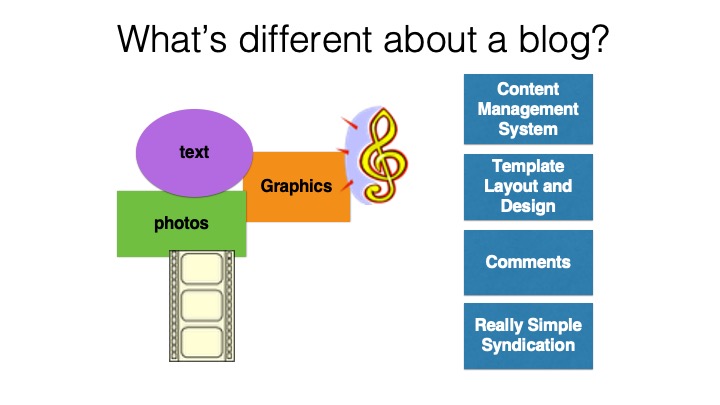
- CMS basics: content stored separately from layout/templates
Platforms, Hosting & Domains
- Where sites live: data centers, hosting, and uptime basics
- Platform overview: Blogger, WordPress, Wix, Weebly, Squarespace, Shopify, Typepad
- Trade-offs: all-in-one services vs. self-hosted flexibility
- Domains vs. free subdomains (brand, memorability, portability)
Getting Started Fast
- Create an account and name your blog
- Pick a template; your site is live immediately
- Dashboard tour: Posts, Pages, Layout, Theme, Settings, Comments, Earnings
- “Test blog” setup: private practice space to experiment safely
Writing & Publishing Posts
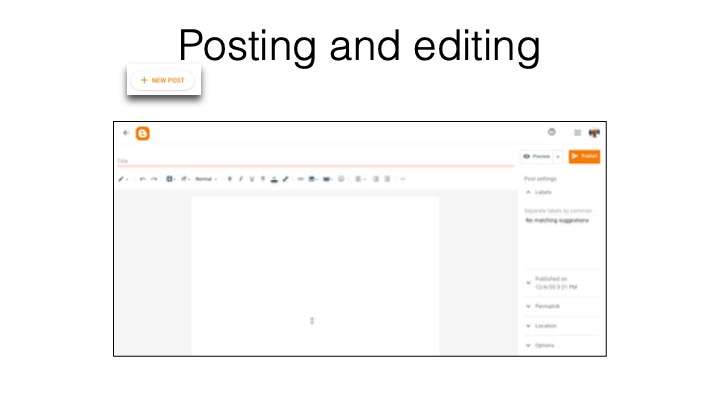
- Using the WYSIWYG editor: headings, lists, bold/italic, links
- Draft vs. Publish; preview on desktop/tablet/phone
- Scheduling posts for future dates and times
- Adding media: images (upload/align/captions/alt text)
- Video options: upload vs. embed YouTube
- HTML view for embeds (calendars, forms, widgets)
Design, Layout & Themes
- Templates, themes, and sitewide style (fonts, colors, spacing)
- Gadgets/widgets: featured post, profile, archives, search
- Drag-and-drop layout; sidebars, header, footer
- Responsive design and why “simple beats busy”
Site Management & Comments
- Key settings: title, description, visibility (public vs. private)
- Who can comment (Google accounts vs. anonymous)
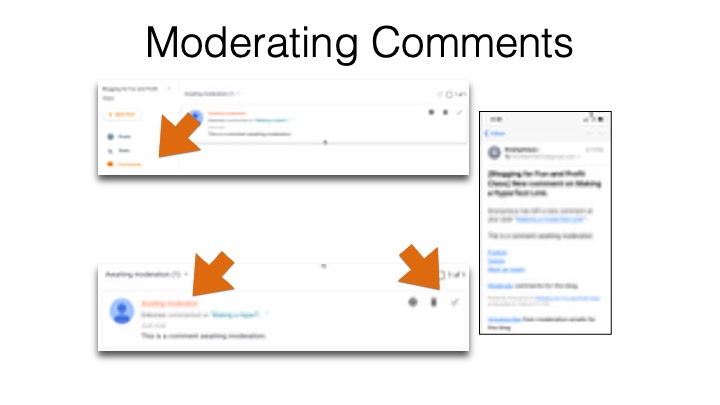
- Comment moderation (always/sometimes/never) and email alerts
- Approving, deleting, or reporting spam comments
- Basic stats and what to watch
Content Strategy & Workflow
- Finding your voice and serving reader questions
- Post frequency guidelines
- Idea capture systems (notes apps, swipe files, competitor scans)
- Writing support: AI assistants, outsourcing, and editing tips
- Visuals toolkit: resizing, cropping, annotating; Canva/Adobe basics
- Alternate formats: video and podcasting essentials
Promotion, Distribution & Social
- How social networks throttle attention—and how to work with them
- Link from posts on Instagram, X, Facebook, LinkedIn back to your blog
- Using RSS to follow blogs without inbox overload
- Internal links and reasons to keep readers on your site
Monetization Options
- AdSense setup and basics
- Beyond ads: affiliates, sponsors, services, digital products
- Balancing user experience with monetization
Legal & Policy Basics
- Copyright and protecting your own work
- Fair use for commentary, education, research, and news
- Brand names and IP caution; when to seek permission
Next Steps
- Iterate your theme and layout after 5–10 posts
- Collect FAQs from readers/clients and turn them into posts
- Review simple stats monthly and adjust your plan